
Two networks, one client
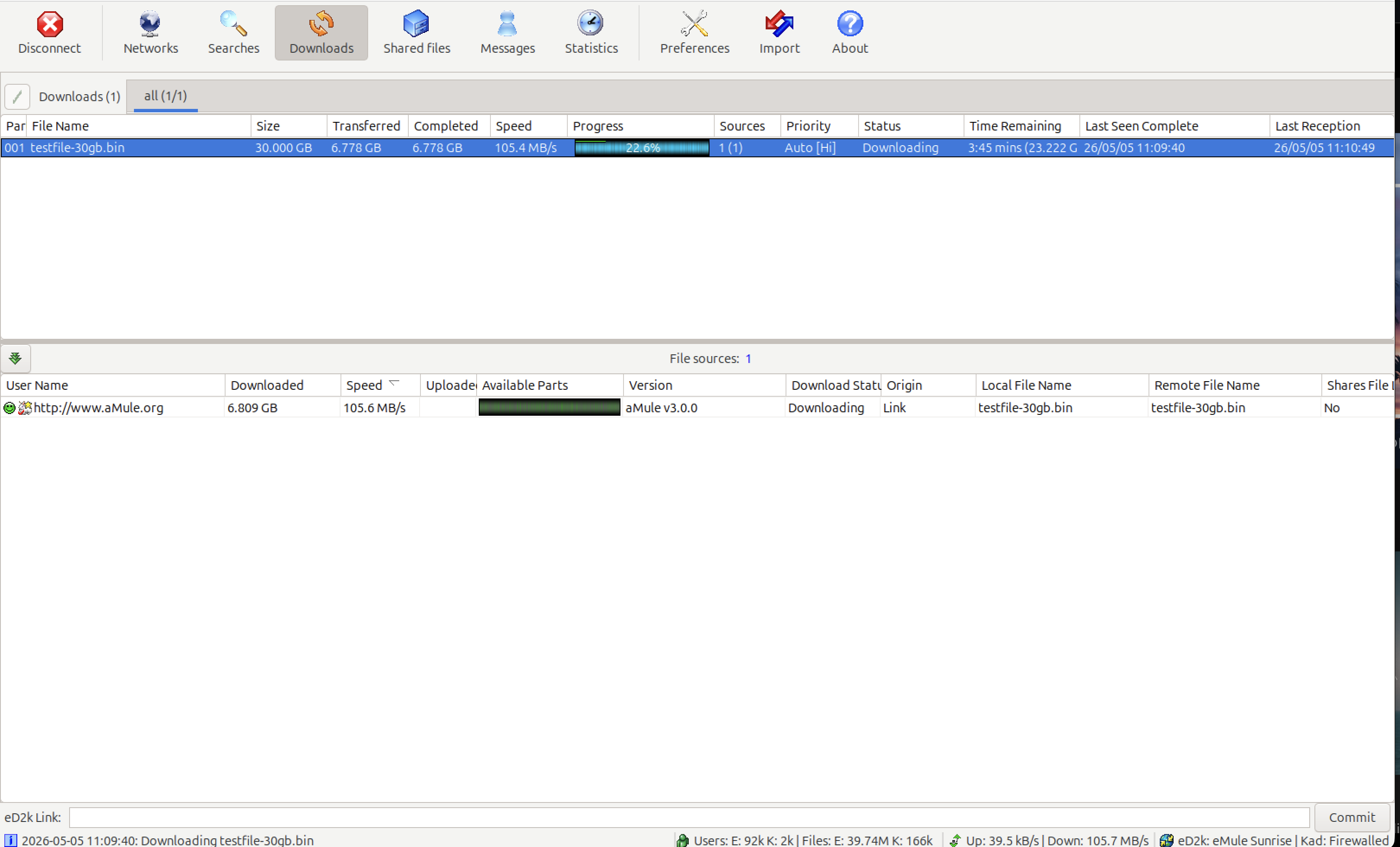
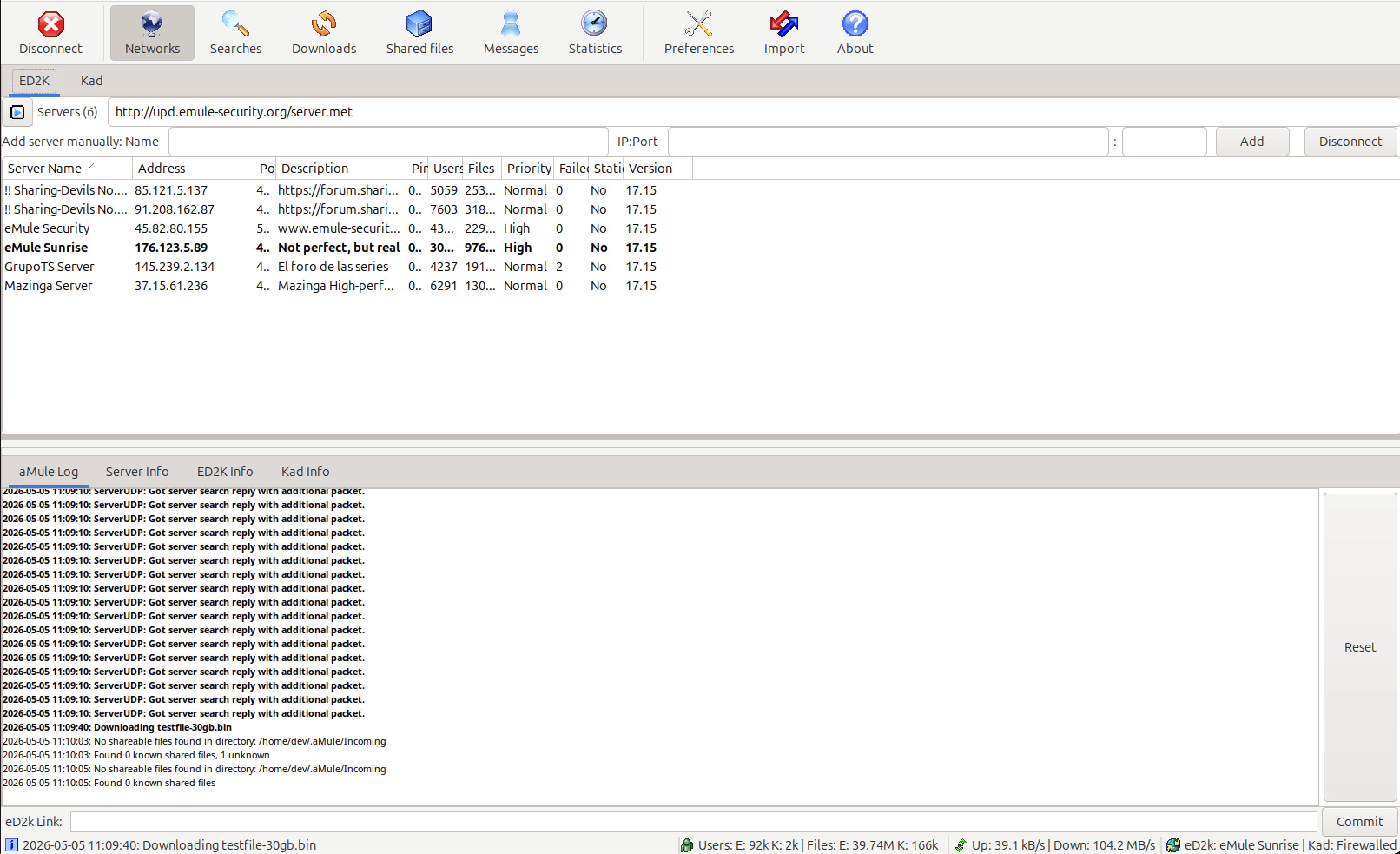
aMule speaks eD2k and Kademlia at the same time, so every download draws on server-based and serverless peers alike.
eD2k + Kademlia
Connect to both the traditional eD2k server network and the serverless Kademlia DHT simultaneously, maximizing your reach and file availability.
eMule Compatible
Fully wire-compatible with eMule and all *Mule clients. Share files with the same sources, connect to the same servers, and open standard ed2k:// links.
Source Exchange
Automatically exchange source lists with connected peers to discover more sources for your downloads without querying the server repeatedly.
Find what you are looking for
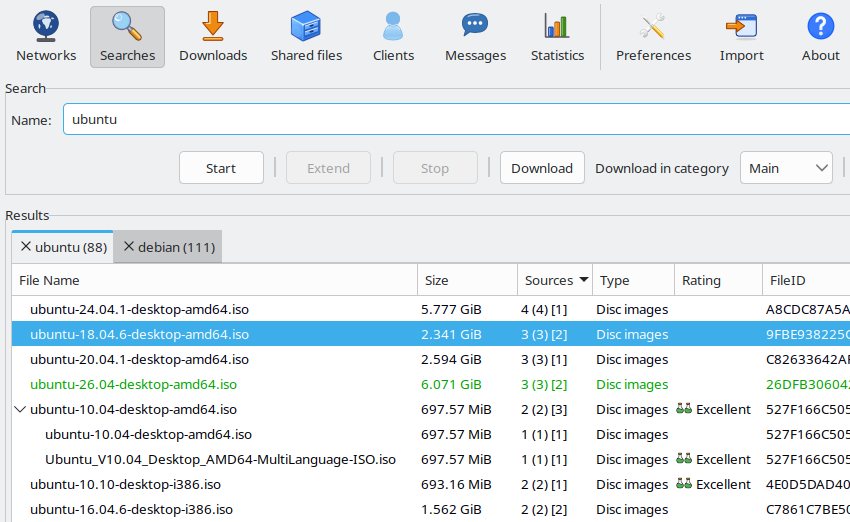
Query eD2k servers and the Kad network in one go, then send the results straight to your download queue.
Powerful Search
Search across eD2k servers (local and global) and Kademlia nodes. Filter by type, size, and availability. Boolean operators (AND, OR, NOT) supported.
One-Click Links
Click ed2k:// and magnet: links in your browser, or open .emulecollection files, to start downloads instantly. aMule registers itself as their handler on Windows, macOS, Linux, and BSD.
Download Categories
Organize downloads into categories with custom save paths and priorities. Apply rules per category to keep your library tidy automatically.
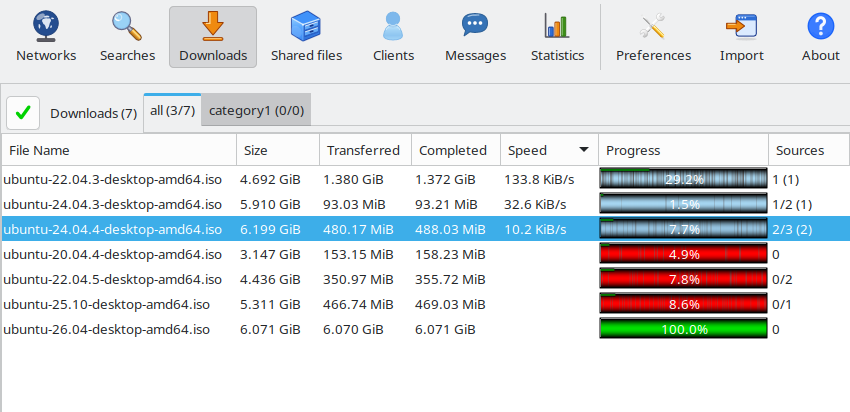
Downloads you can trust
Every chunk is hashed and verified, so corrupted data is detected and downloaded again automatically.
Corruption Handling
The Intelligent Corruption Handler (ICH) and AICH automatically detect and repair corrupted download chunks, ensuring complete, intact files without restarting.
Endgame Mode
Near the end of a download, a fast source takes over the blocks held by a much slower one, so files do not stall at 99% behind one slow peer.
Verify Local Data
Re-hash shared files on demand to check that the data on disk is still intact.
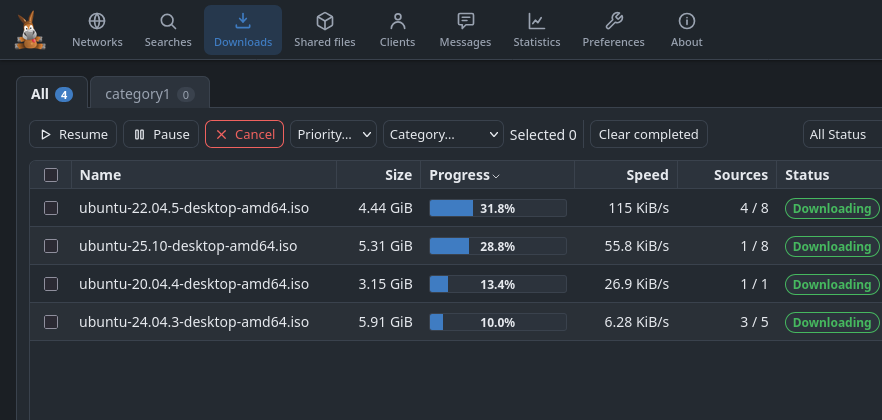
Control it from anywhere
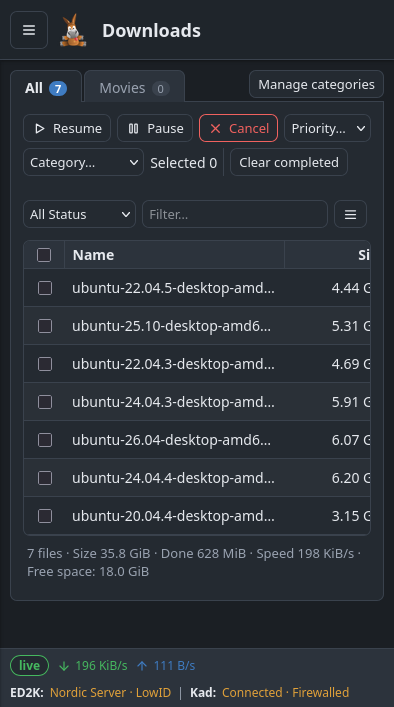
Run aMule on a server or NAS and manage it from your desktop, your browser, or your phone.
Remote Interfaces
Control aMule from anywhere: a native remote GUI (amulegui), a REST API and modern browser Web UI (amuleapi), a command-line tool (amulecmd), or the legacy WebUI (amuleweb).
aMule Daemon
Run aMule as a lightweight headless process (amuled) on servers, NAS devices, or VPS instances — no graphical display required.
Encrypted Remote Control
Remote interfaces encrypt their connection to the core, new installations accept it only from the local machine, and failed logins are throttled.
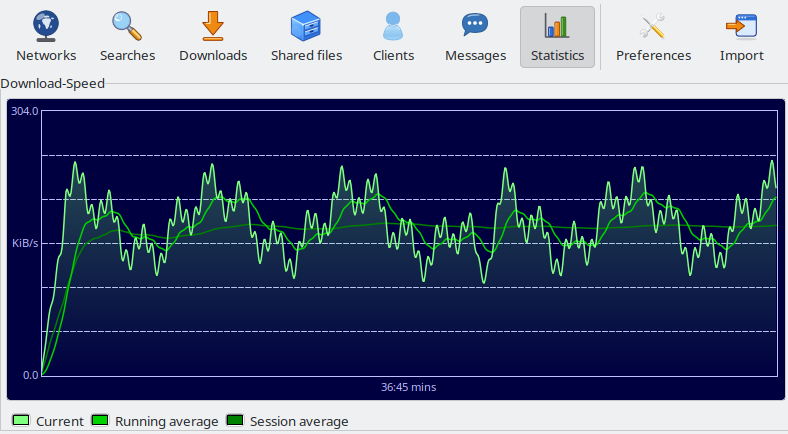
Your bandwidth, your rules
Decide exactly how much of your connection aMule uses and who gets your upload.
Bandwidth Control
Set hard upload and download speed limits, enforced by precise token-bucket limiters. Cap aMule so it never saturates your connection — or let it run full-throttle when you're away.
Slot Allocation
Control exactly how many clients you upload to at once and set per-slot bandwidth targets, giving you fine-grained control over your upload capacity.
Credit System
A built-in credit and scoring system rewards users who actively upload. The more you share, the higher your score — resulting in faster downloads.
Release Priority
Give your own released files top priority in the upload queue so they spread across the network as fast as possible — ideal for sharing new content. In eMule this feature is known as PowerShare.
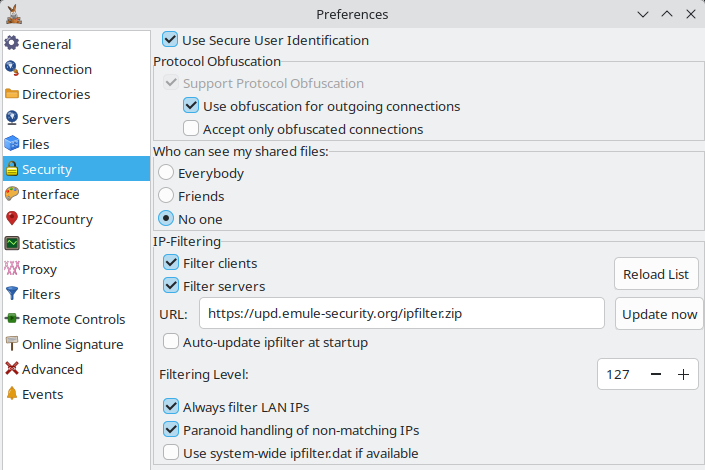
Security and privacy built in
Keep unwanted peers out and your identity safe with IP filters, cryptographic identification, and proxy support.
IP Filtering
Block unwanted IP addresses using standard IP filter lists. Keep aggressive, malicious, or spy peers from connecting to your client.
Secure Identification
Cryptographic secure user identification prevents your client hash from being stolen or spoofed by other peers on the network.
Proxy Support
Route connections through SOCKS4, SOCKS5, or HTTP proxies for privacy or to work around network restrictions.
Network Interface Binding
Pin aMule's traffic to one network interface, such as a VPN, so it does not leave through the default route while that interface exists (not available on BSD).
And much more
Native Packages
Installer and portable .zip for Windows, Universal2 .dmg for macOS, AppImage and Flatpak on Linux, for both x64 and ARM64 — plus fully static headless binaries for Linux servers.
Free & Open Source
GPL-2.0 licensed with no telemetry, no advertisements, and no vendor lock-in. Your data is yours — inspect and contribute to the source code.
37 Interface Languages
The full aMule interface is translated into 37 languages. Download and share files in your native language — the UI adapts automatically to your locale.
Light and Dark Appearance
The interface follows your system's light or dark theme, with sharp icons on high-resolution displays.
System Tray
Minimize aMule to the system tray and let it run quietly in the background. Works across Windows, macOS, and all major Linux desktops.
Messaging & Friends
Exchange messages directly with other aMule users and maintain a friends list to stay connected with your regular sharing partners.
Automatic Folder Rescan
aMule watches your shared and Incoming folders and picks up new, changed, or removed files automatically — no manual reload needed when your library changes.
Compressed Transfers
File data and server communication are compressed with zlib, reducing bandwidth usage for compressible files and lowering the load on eD2k servers.
Preview Before Complete
Play videos and audio files before a download finishes. Compatible with MPlayer, VLC, and other media players.
Ready to get started?
Download aMule for your platform and follow the Quick Start guide to make your first download.