Clients
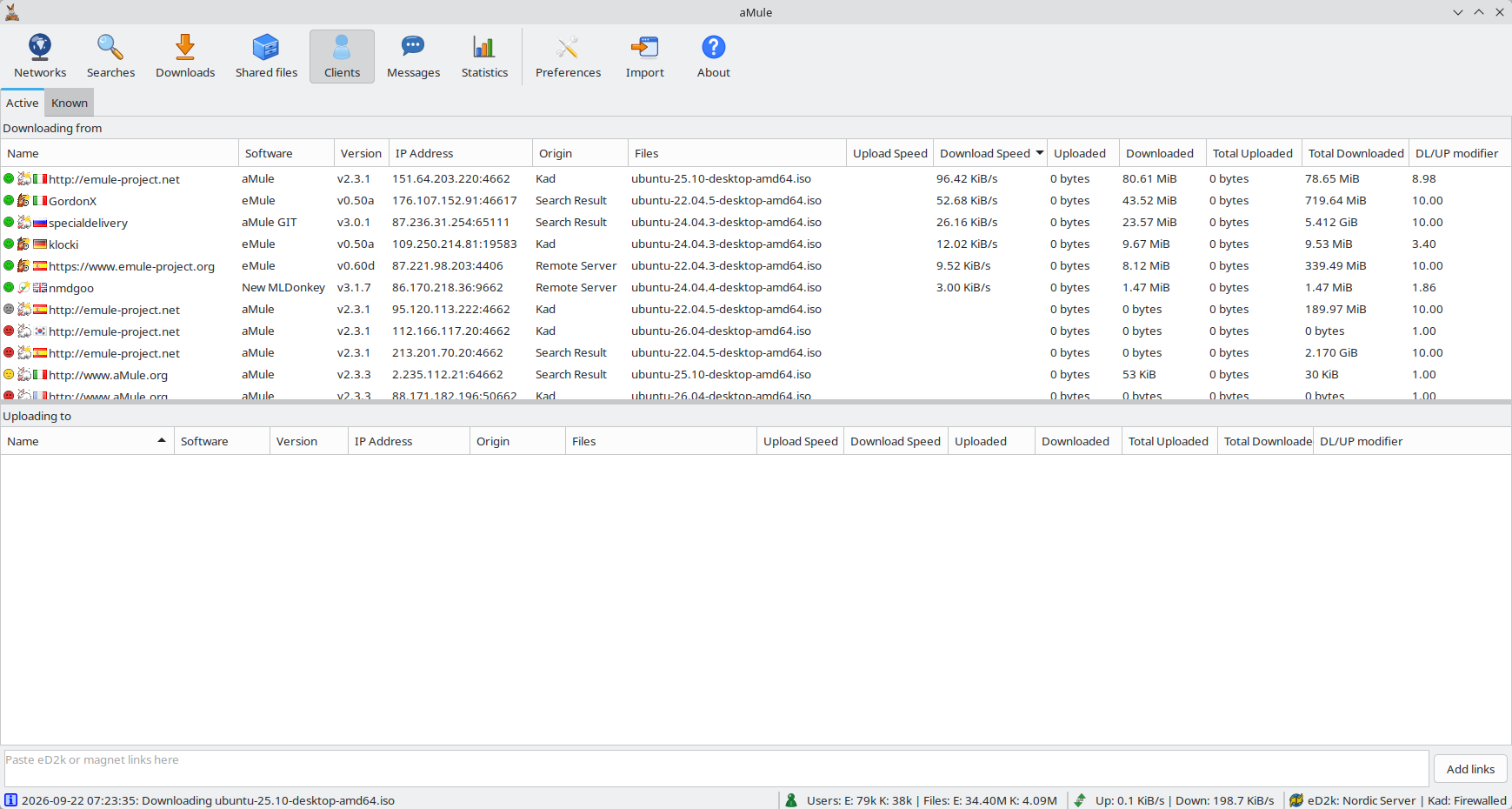
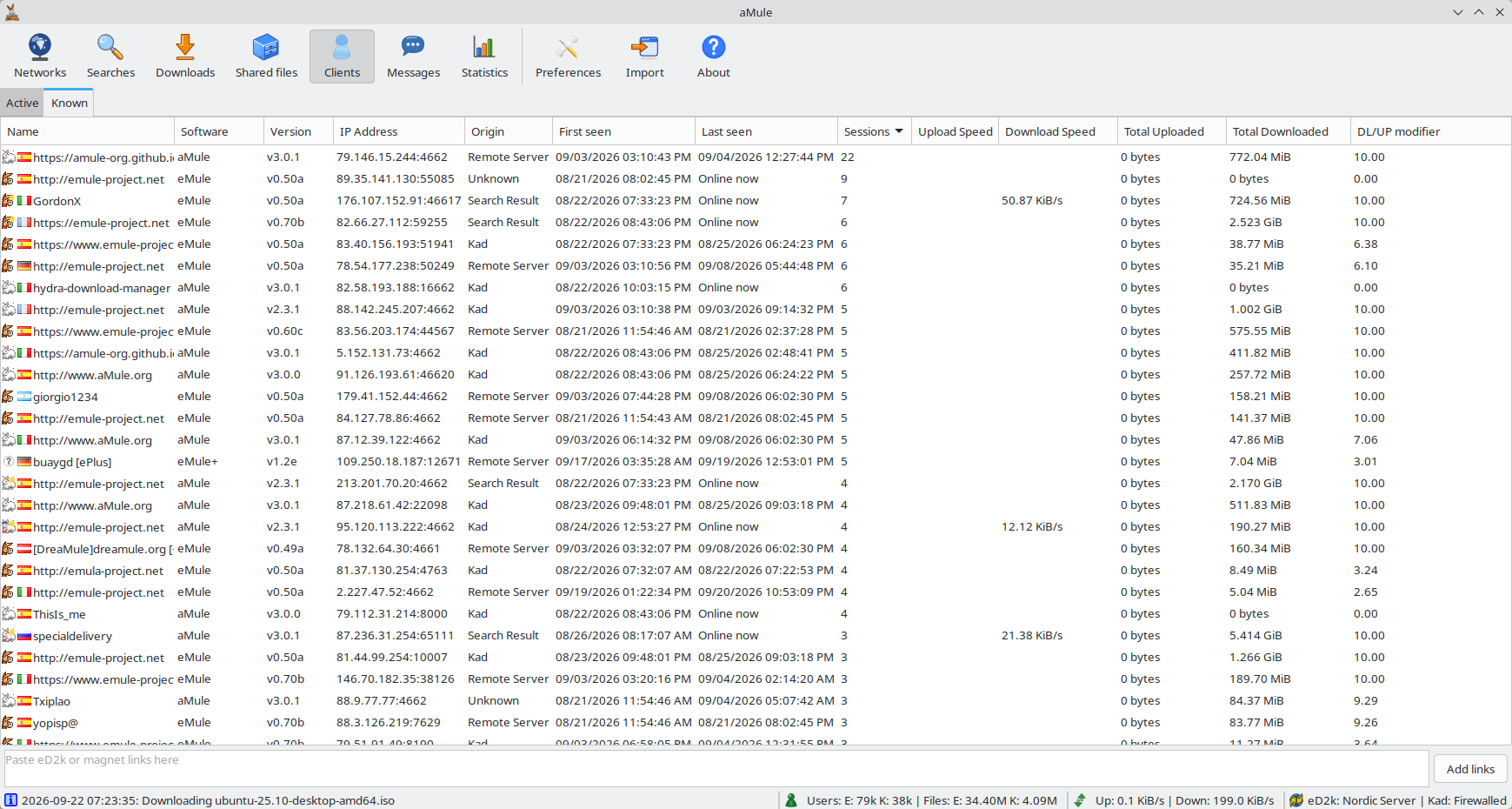
The Clients page lists the peers aMule is currently exchanging files with (Active tab) alongside a history of clients seen in the past (Known tab). It gives you a single place to inspect who you are exchanging data with, without hunting through the source lists of individual files.
Active Clients
The Active tab splits the peers by direction into two lists:
- Downloading from — peers holding a file you are downloading.
- Uploading to — peers that requested one of your files, both those you are uploading to and those waiting in your upload queue.
A peer you exchange data with in both directions appears in both lists. When IP2Country is enabled, every list on this page shows the peer's country flag next to its name.
Known Clients
The Known list is a history of clients aMule has dealt with, backed by the credit store clients.met. Because it is built from the credit store, it survives restarts and records peers even after they disconnect. Only peers you have actually exchanged data with are saved to clients.met, and records not seen for 150 days are dropped.
Context Menu & Details
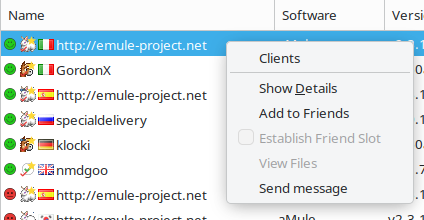
Both the active and known lists use the same right-click context menu and the same per-client details dialog as everywhere else in the GUI, so the actions you know from a file's source list work here too. Double-click a client, or choose Show Details from the menu, to open the Client Details window with the peer's identity, transfer history and queue scores.
The page refreshes once a second while it is on screen. See Keyboard & Mouse Shortcuts for the list shortcuts.