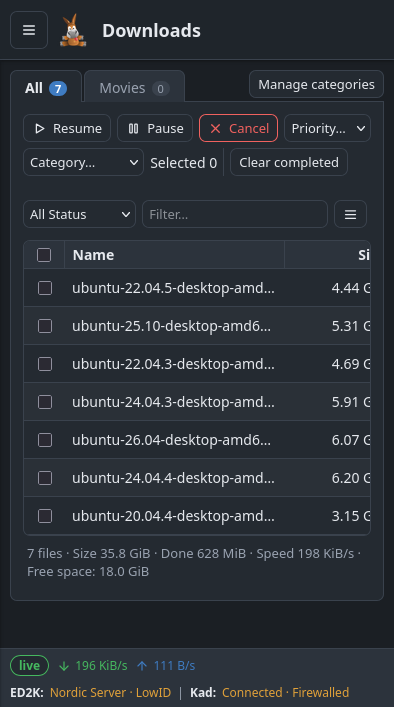
Web UI
The Web UI is a complete browser interface served by amuleapi. It is not a cut-down remote panel: it covers the same ground as the desktop GUI — networks, searching, downloads, shared files, clients, messaging, statistics and preferences — and is the recommended replacement for amuleweb.
This functionality is available from aMule 3.1.0 onwards.
Accessing the Web UI
amuleapi serves the Web UI itself, on its own HTTP port and the same origin as the REST API and the SSE stream. With a default configuration, open:
http://127.0.0.1:4713/
Replace 127.0.0.1 with the server's hostname or IP for remote access (put a reverse proxy in front to add TLS — see the amuleapi security model). To serve it under a path of a shared hostname (e.g. https://home.example.com/amule/), set BasePath.
The interface assets are found automatically when [Server] StaticRoot is empty: amuleapi discovers the installed amuleapi-static directory (searching the app bundle, the directory beside the binary, AMULEAPI_STATIC_DIR, and the resources directory). Set StaticRoot only to serve assets from a custom location.
Logging in is password-only — there is no username field. The password you enter selects your role: the admin password grants full access, the guest password (when one is set) grants read-only access. See Authentication for how the session token is issued and stored.

Sections
The navigation bar exposes the following sections:
-
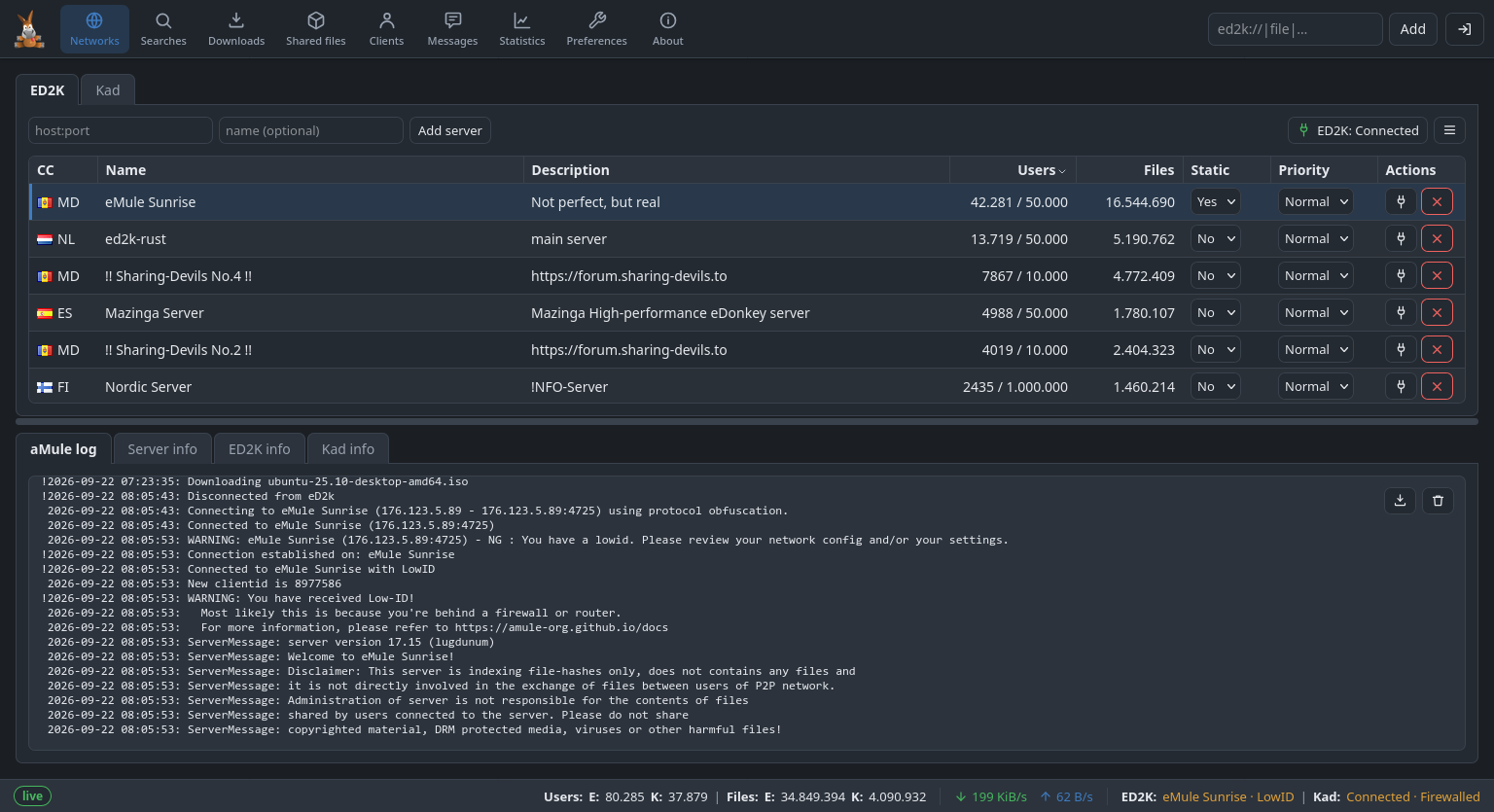
Networks — eD2k server and Kademlia status, with log panes for the aMule log, server info and the per-network info grids.
-
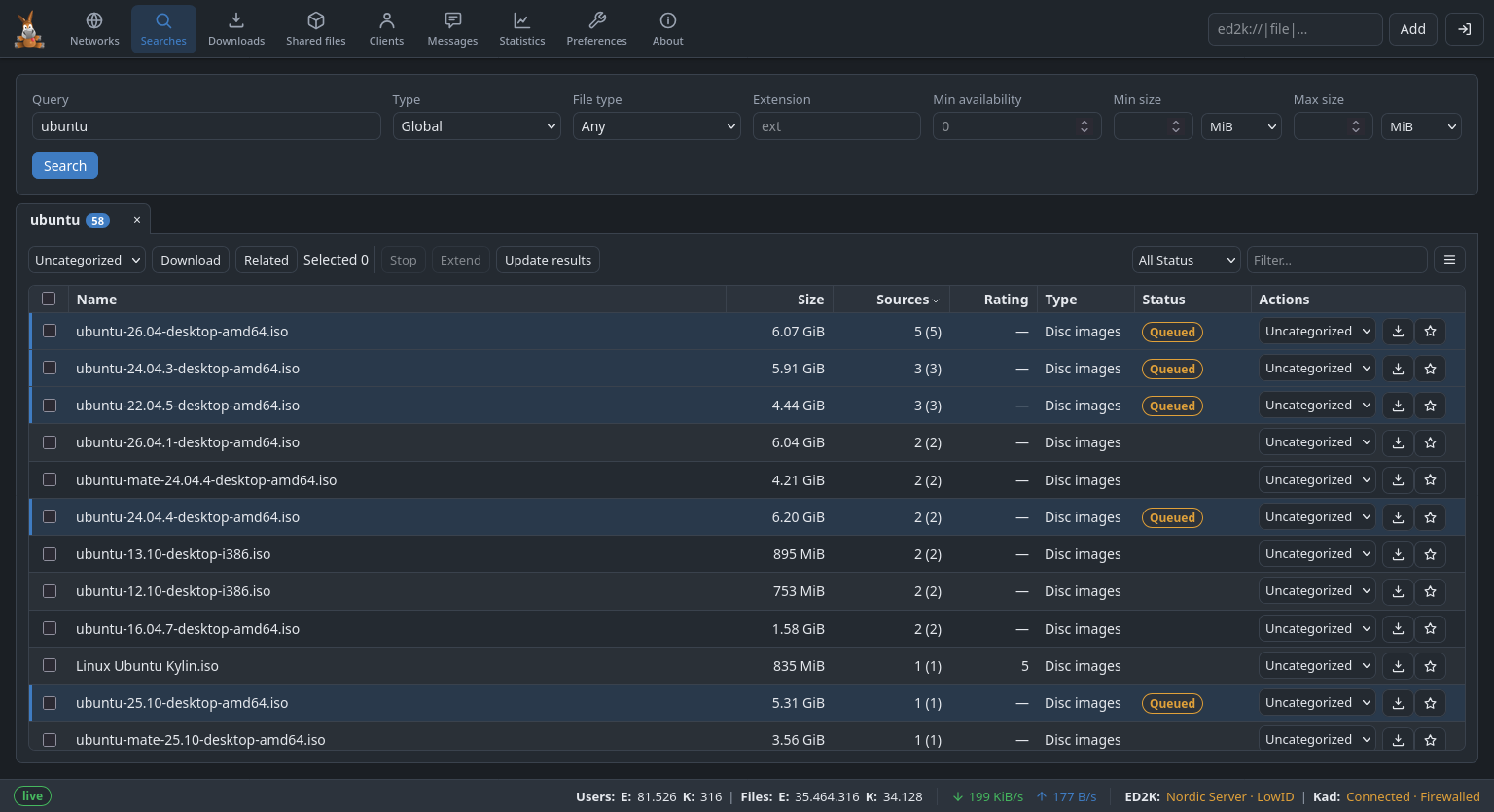
Search — one tab per search, like the desktop's notebook, so several searches stay open at once. The search type can be All networks. Load search into the form refills the search form with a tab's query, type and filters, ready to run again.
-
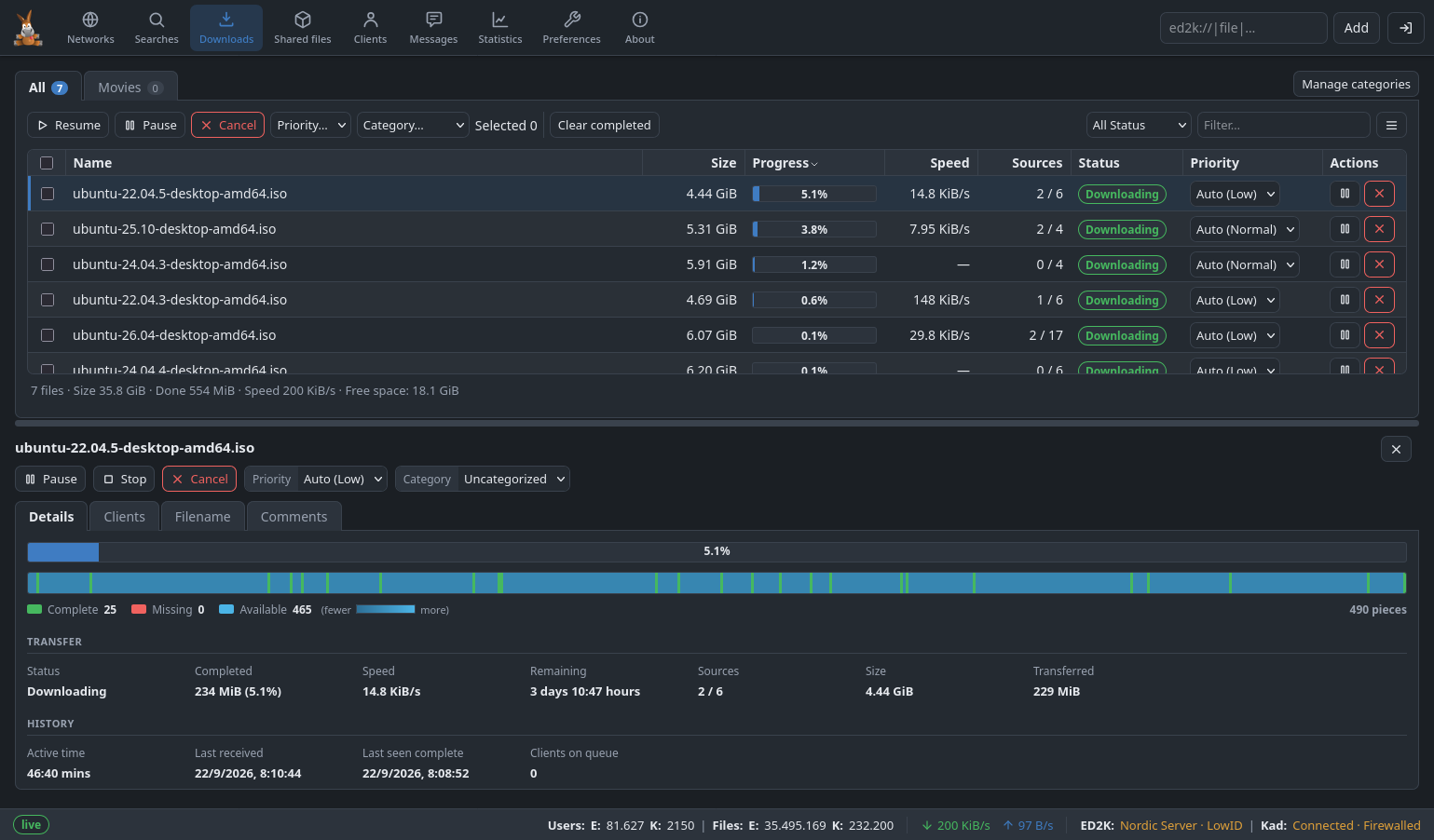
Downloads — the download queue with per-file controls. Category management is available inline here (it replaces the category tabs when Manage categories is toggled), and a detail panel below the list mirrors the desktop's File Details dialog for the selected download. Delete from disk permanently deletes the selected files after a confirmation; active downloads are cancelled.
-
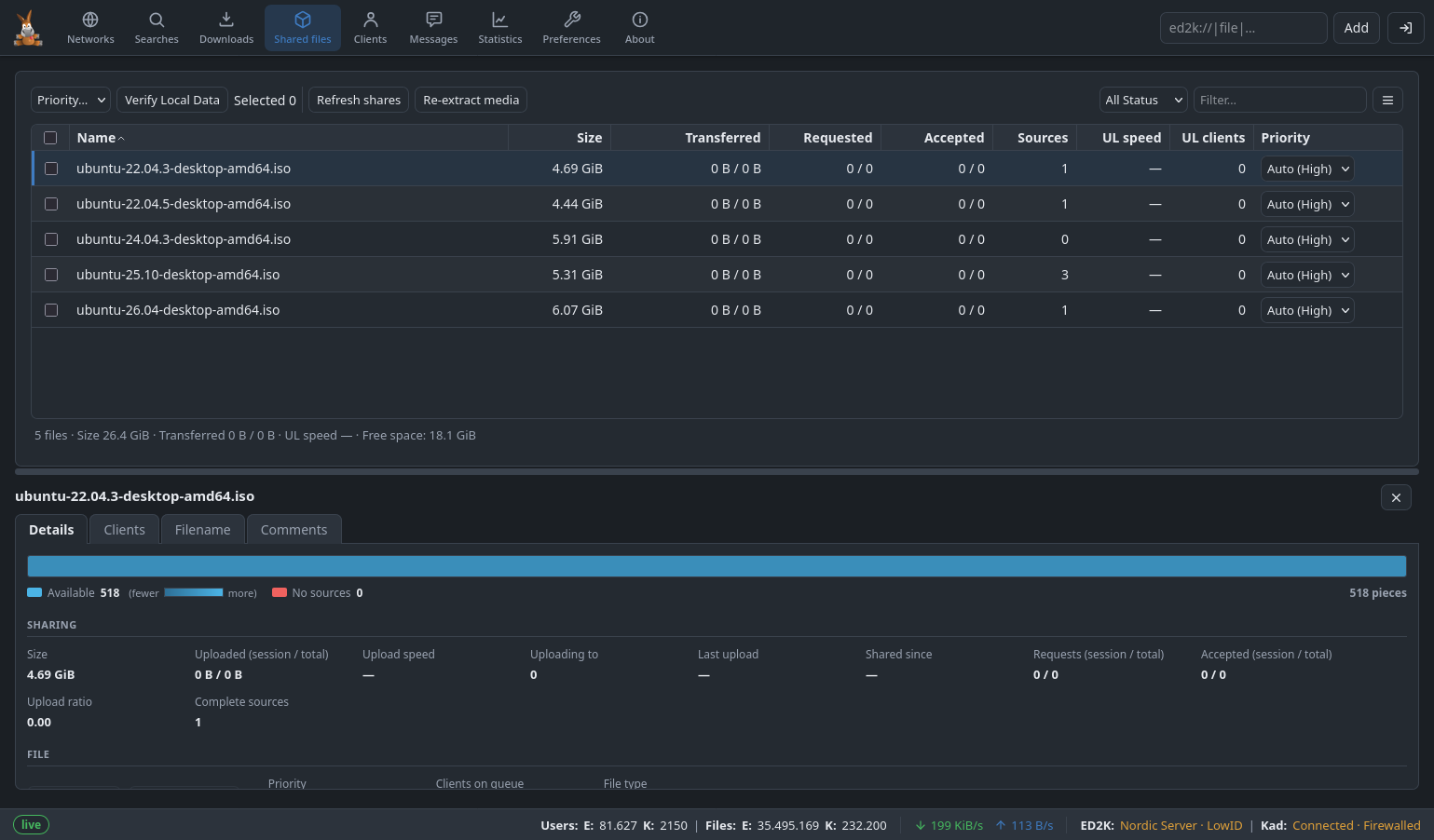
Shared Files — a sortable list of your shared files with per-file details. Delete from disk permanently deletes a complete file; cancel unfinished downloads from Downloads instead.
-
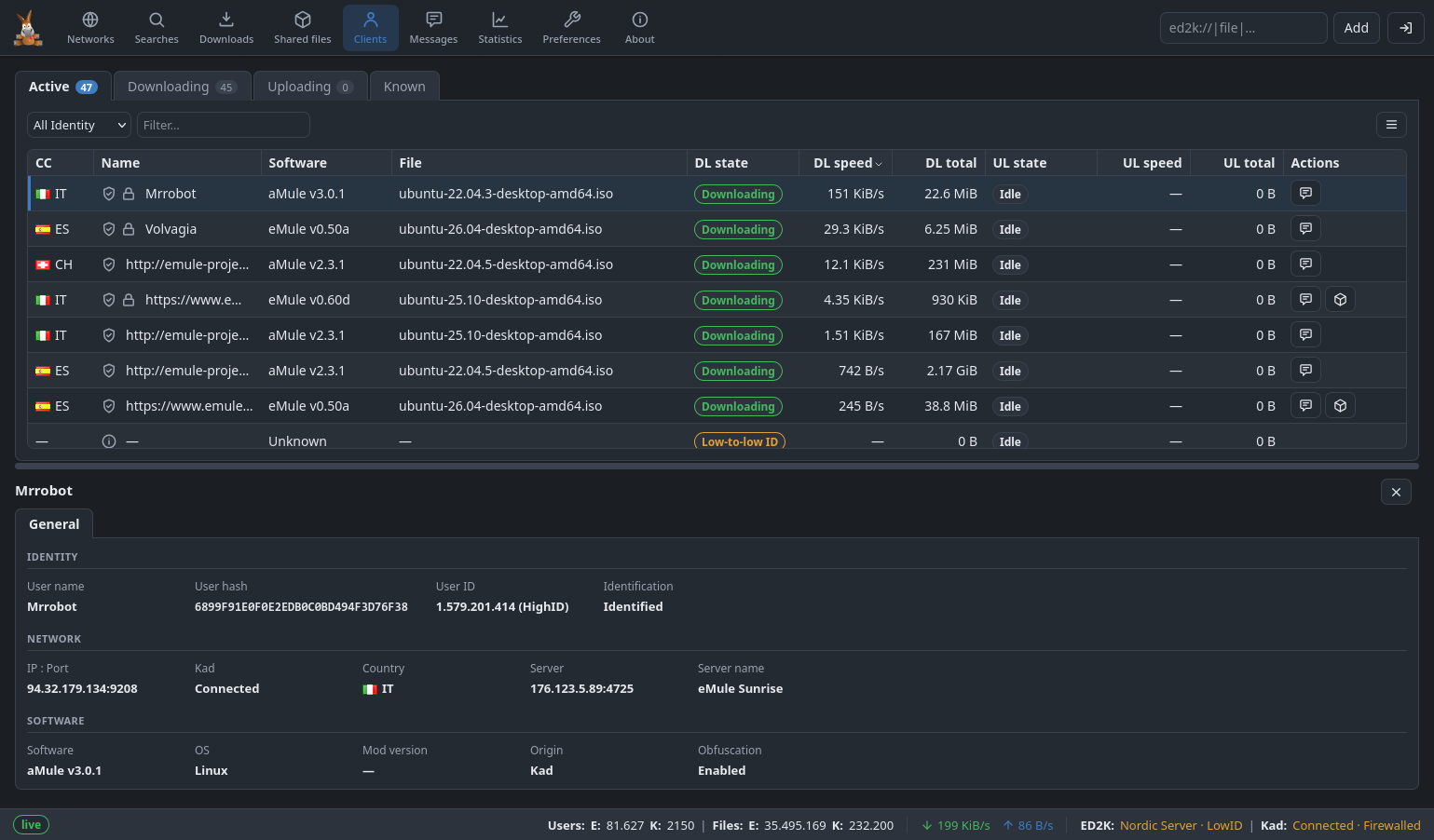
Clients — active peers (all, downloads, or uploads) and the known-clients history, with a per-peer detail panel below the list that mirrors the desktop's Client Details dialog.
-
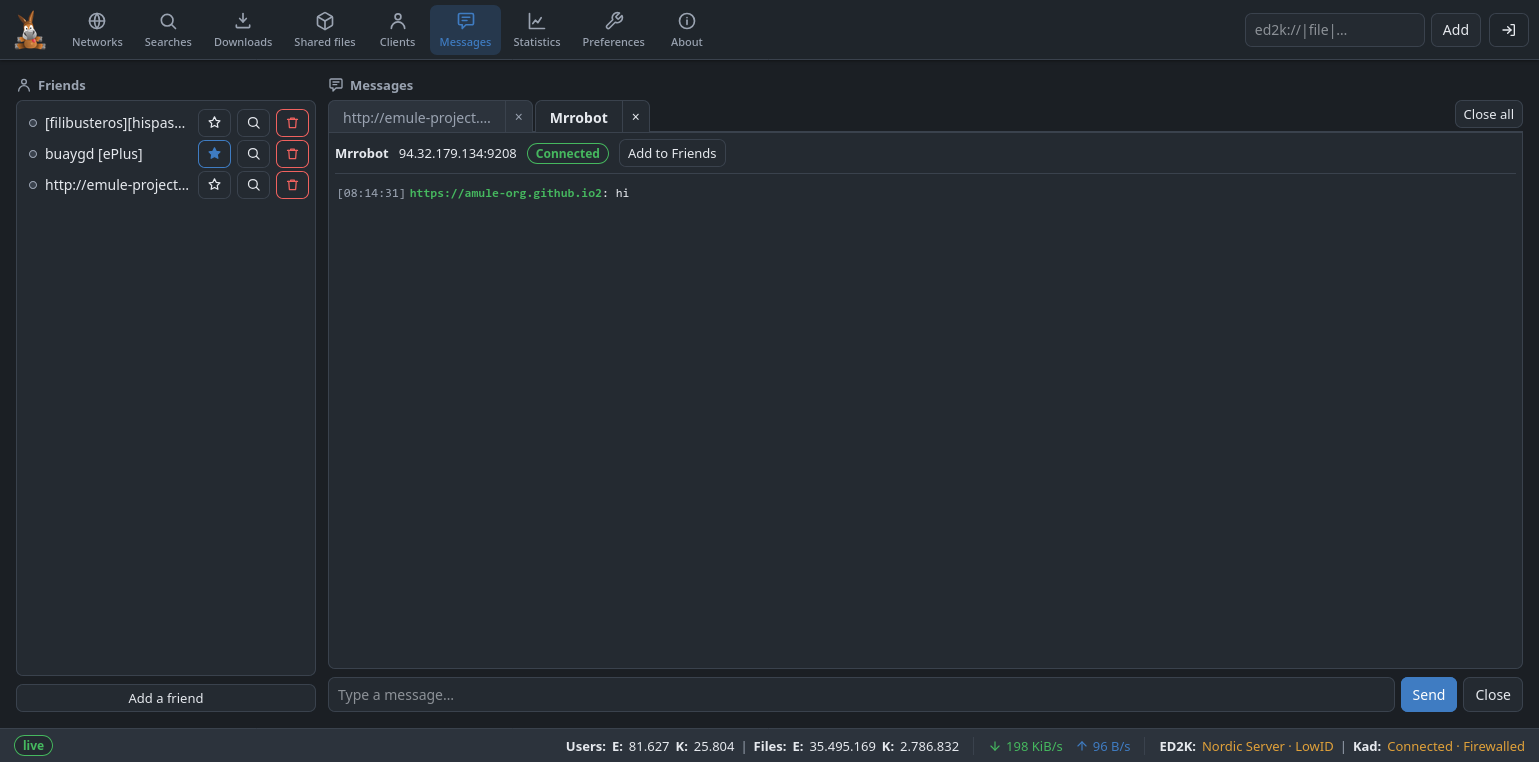
Messages — chat with peers and friends: the friends list on the left, conversations on the right. When a peer answers your first message with a CAPTCHA, type the text shown in the image and send it to get your message delivered.
-
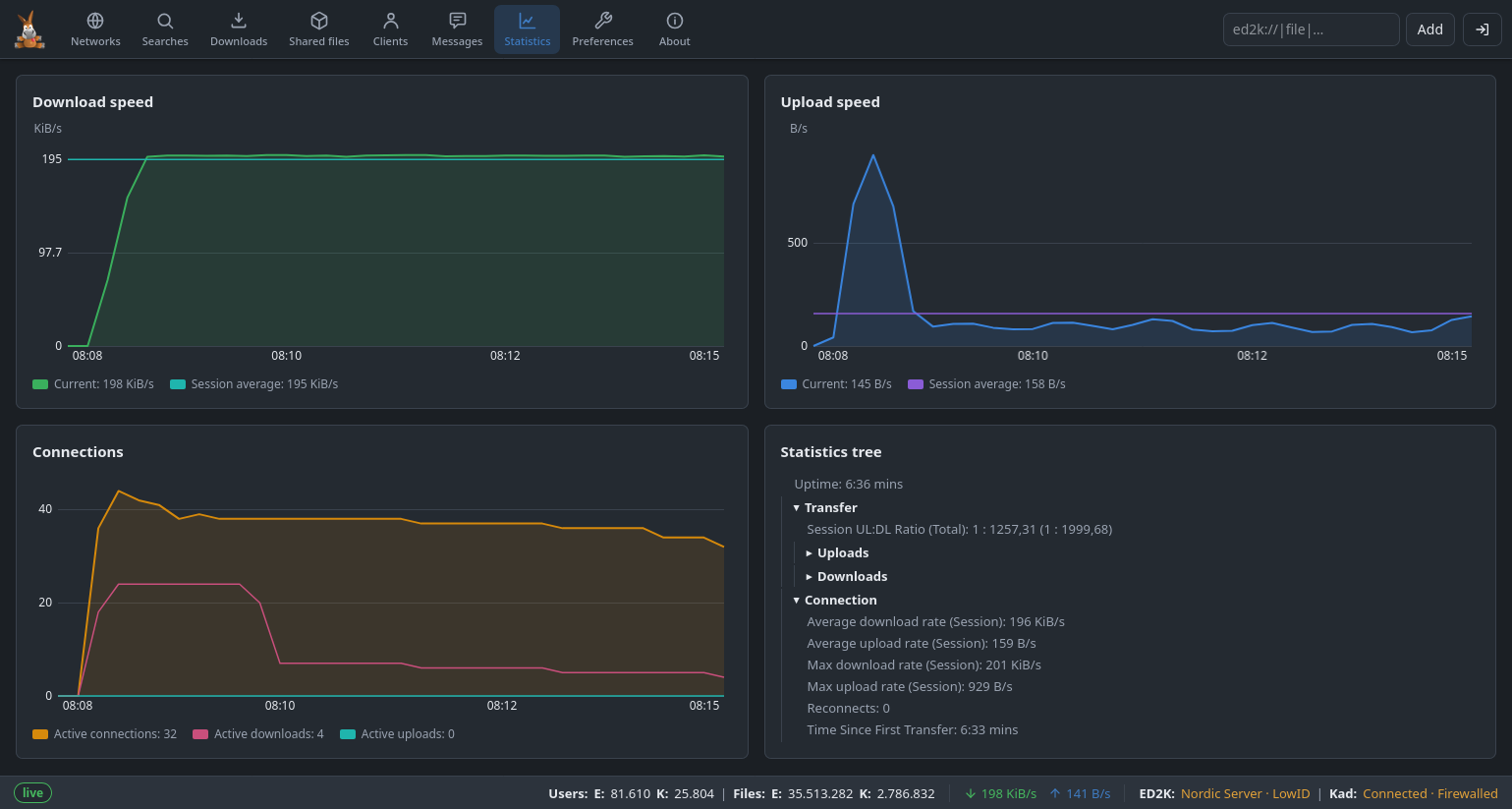
Statistics — the speed graphs and statistics tree.
-
Preferences — aMule's configuration, including the shared-directories editor. Settings that can only be changed on the machine that runs the core, such as External connections and Allowed remote folders, are shown read-only. Folders outside the allowed list are refused with Folder not allowed (see
amuled→ Settings Reserved to the Daemon Host).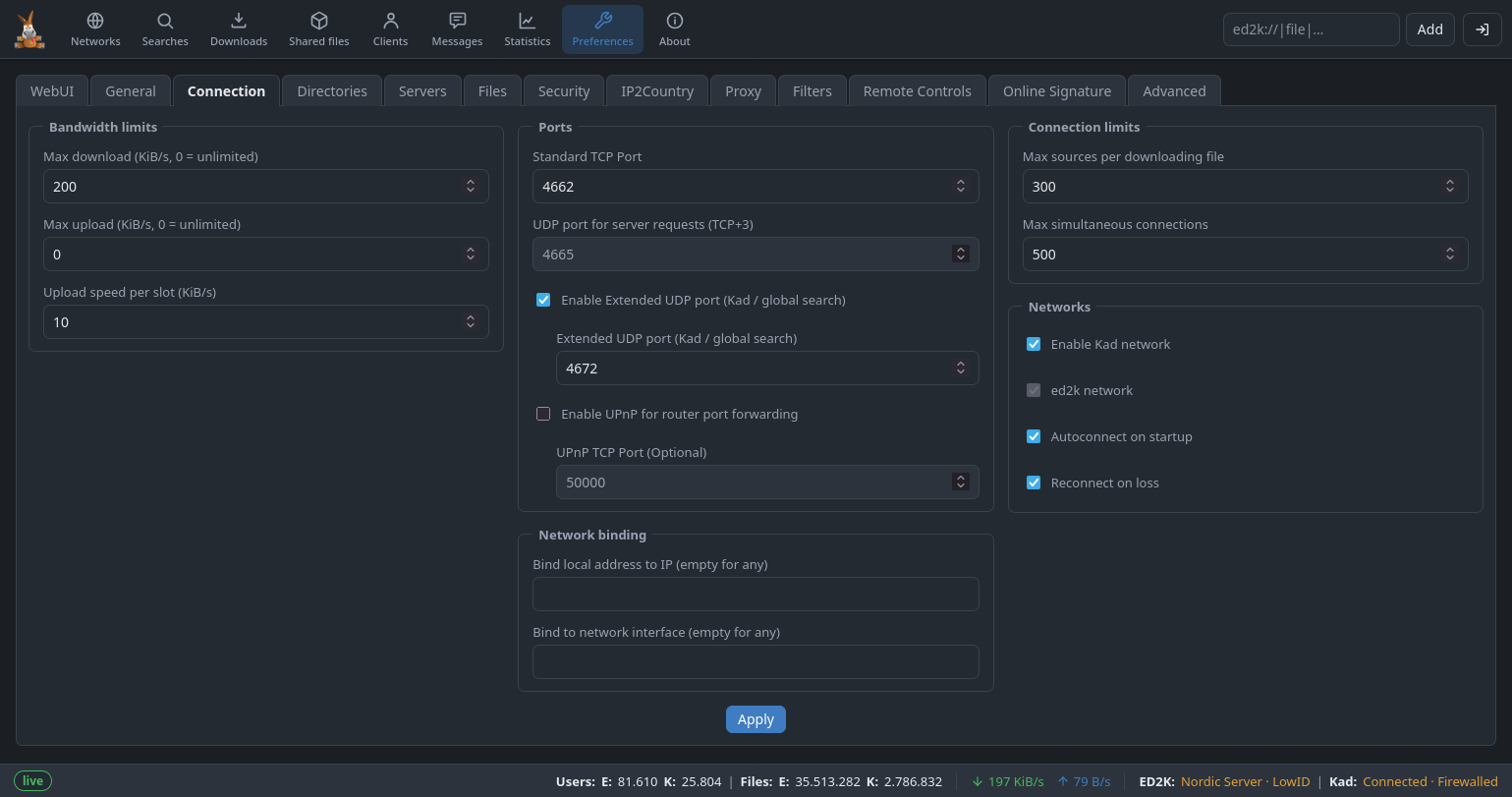
-
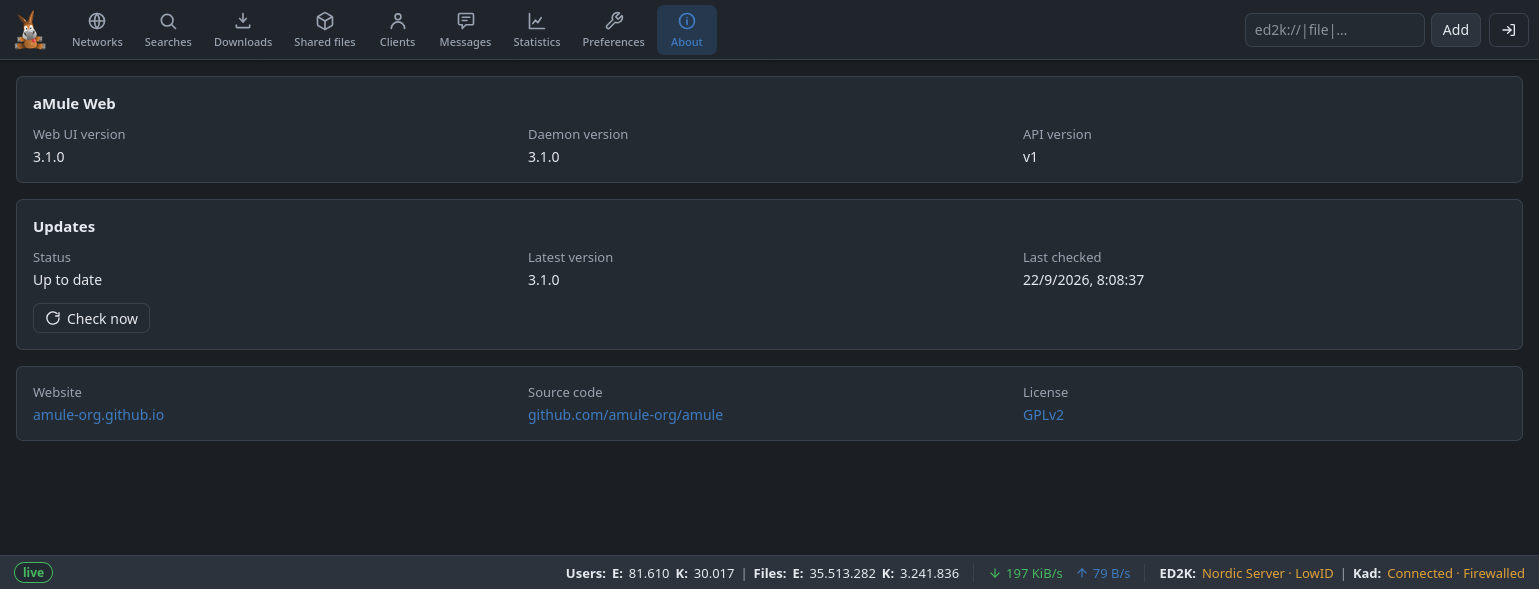
About — version information, with an update-available banner and a warning when the Web UI and core versions differ.
Features
-
Live, without polling. The interface is driven by the SSE stream; bursty deltas are coalesced so re-renders stay smooth. It falls back to periodic requests only if the stream fails repeatedly.
-
Themes. System, light and dark — it follows the operating system by default and can be forced either way.
-
Download to your browser. Finished shared files have a download button that streams the file straight to the browser, with the correct filename.
-
Country flags on peers and servers, as the desktop lists show them.
-
Comments over SSE. Kad notes and source comments appear on a file's Comments tab as they arrive, without polling.
-
Languages. Internationalized, with support for multiple languages, translated on Weblate. The language follows the browser by default and can be changed under Preferences → WebUI → Language.
-
Accent-insensitive filters. The filter boxes above the lists ignore accents, so
cafealso matchesCafé. -
Responsive. Usable down to phone width.